
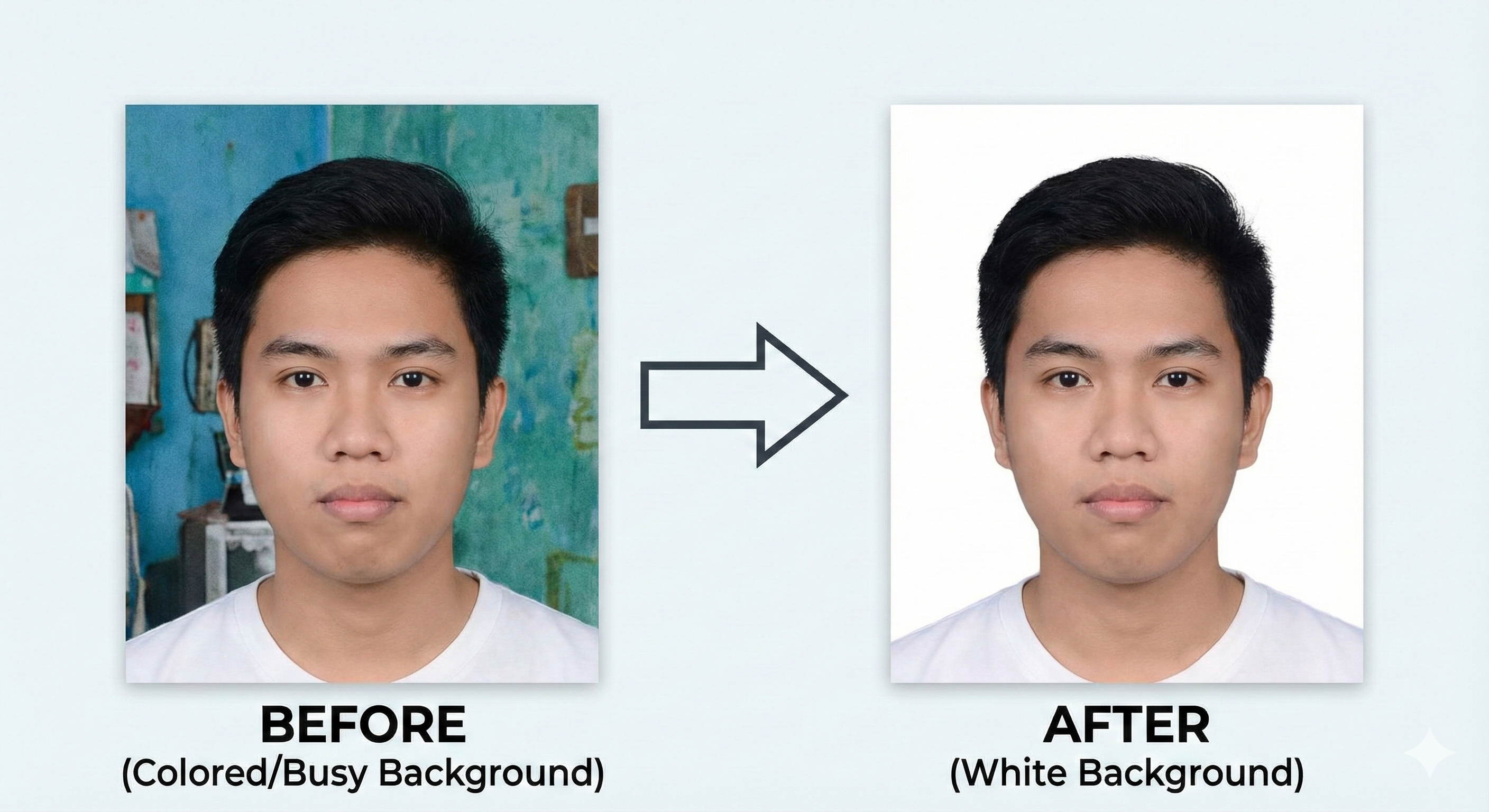
90% of exam rejections happen because of "Bad Background". If your photo has a colored wall, patterns, or shadows behind you, it will be rejected by systems like NEET, JEE, and Passport Seva. Here is how to fix it in 2026.
- High contrast for facial recognition.
- Standard for international travel (Passport).
- Required by AI grading bots for exams.
🚀 Need a White Background?
Use our new Background Removal tool (Coming Soon) or prepare your photo correctly before upload.
Change Background to White →Top 3 Ways to Get a White Background
1. The "White Sheet" Method (Free & Best)
Find a white wall in your house. If you don't have one, hang a clean, ironed white bedsheet. Stand 2 feet away from it (to avoid shadows) and face a window for natural light. This produces the most natural result.
2. Use our AI Tool
We now have a dedicated tool to remove background from any photo and replace it with a clean white canvas. It handles hair strands perfectly and ensures professional quality.
3. Avoid Post-Editing if Possible
While tools are great, a natural photo is always safer. Heavy editing can make the photo look "manipulated", which is technically against NTA rules. Use tools only if you cannot click a new picture.