
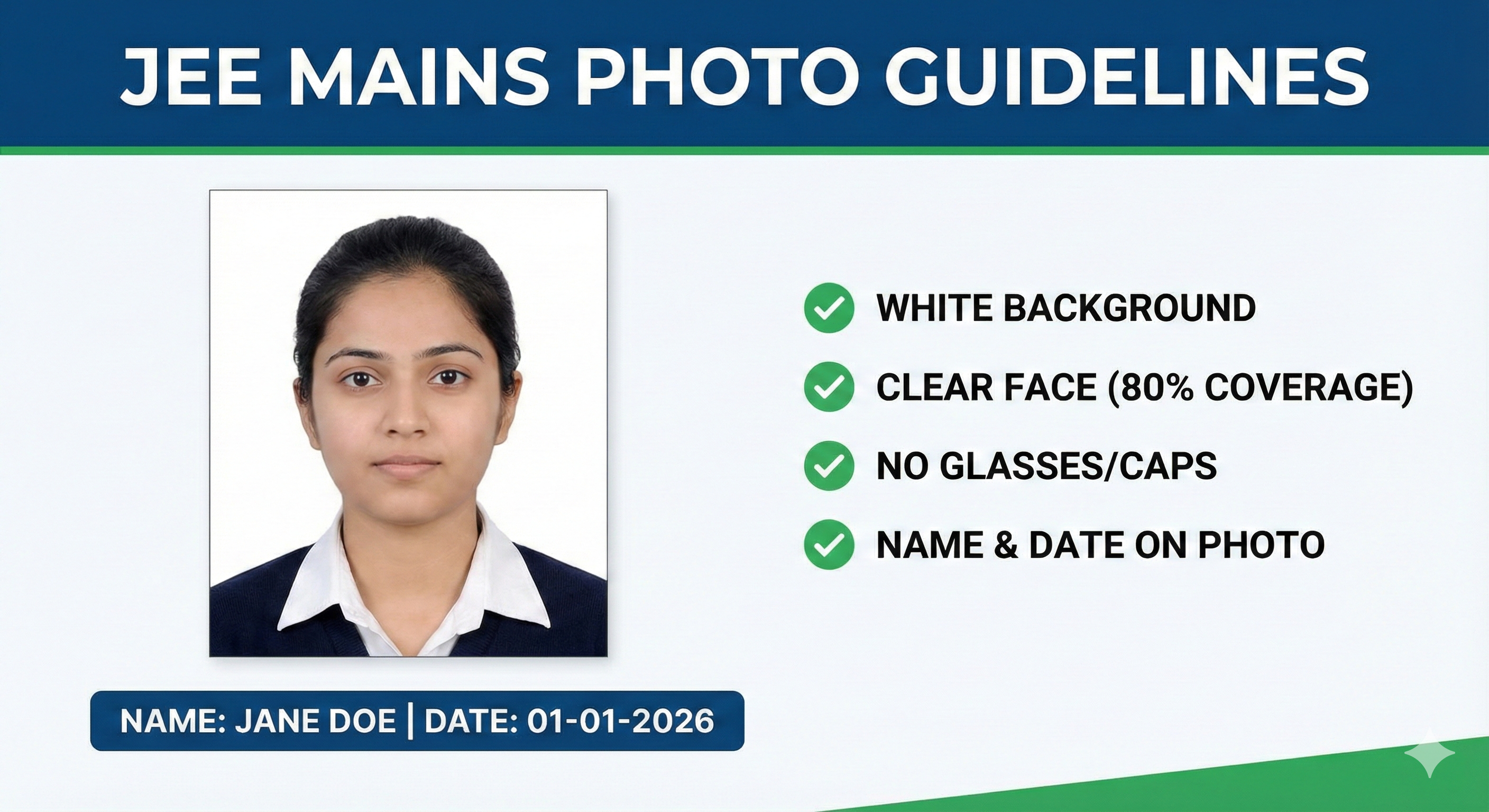
The National Testing Agency (NTA) has stringent rules for JEE Main 2026 photo uploads. A rejected photo means a rejected application. Follow this guide to get it right the first time.
JEE 2026 Quick Specs:
- Photo: 10KB - 200KB | 3.5cm x 4.5cm | White Background
- Signature: 4KB - 30KB | 3.5cm x 1.5cm
- Ears: Must be clearly visible in the photo.
🚀 Resize for JEE Main 2026
Our intelligent tool automatically adjusts dimensions and file size for NTA successful upload.
Resize for JEE Now →Official Photo Requirements
| Criteria | Requirement |
|---|---|
| Dimensions | 3.5 cm (width) x 4.5 cm (height) passport size |
| File Size | 10 KB to 200 KB |
| Format | JPG or JPEG only |
| Background | White background preferred |
| Content | 80% face coverage, ears visible, no mask |
| Date & Name | Recommended to include Name and Date of Taking Photo |
Signature Guidelines
- File Size: 4 KB to 30 KB.
- Dimensions: 3.5 cm x 1.5 cm.
- Style: Running handwriting on white paper with Black ink. Do NOT sign in CAPITAL LETTERS.
Common Reasons for Rejection
- Photo taken with mask on.
- Blurry or pixelated image.
- Red-eye effect in photo.
- Signature in Capital Letters.
Frequently Asked Questions
Can I wear glasses in my JEE Main photo?
Yes, if you wear them regularly. However, strict care must be taken to
ensure no flash reflection on the lenses and your eyes are clearly visible. Dark glasses are
not allowed.
What is the size for the JEE Main signature?
The signature file size should be between 4 KB and 30 KB, and dimensions
roughly 3.5cm x 1.5cm.