
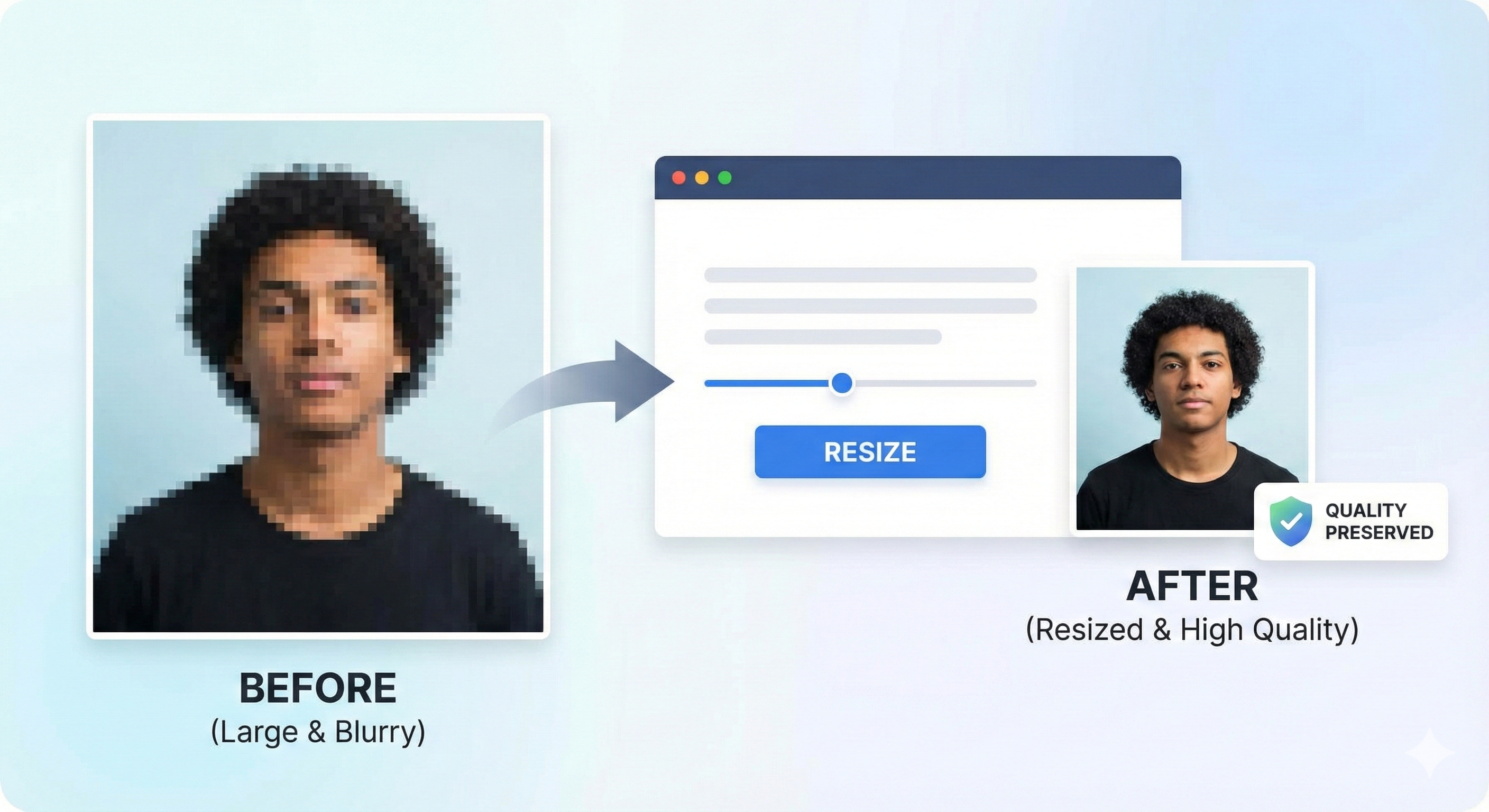
One of the biggest challenges when applying for exams like NEET or UPSC is meeting the strict file size limits (e.g., 20KB to 200KB) without making your photo look like a blurry mess. Here’s how to do it right in 2026.
- Never use screenshots or WhatsApp images as your source.
- High compression can cause pixelation; use smart tools.
- DPI mainly affects printing, but clarity matters for screen verification.
- MyExamPhoto maintains quality even at 20KB size.
Why Do Photos Lose Quality?
Compression works by grouping similar-colored pixels together. Aggressive compression (reducing a 5MB photo to 10KB) throws away too much data, resulting in "artifacts" or blockiness.
According to NTA guidelines, photos must be "clear and legible". A blurry photo is a common reason for form rejection.
Check Your Photo Quality
Not sure if your photo is good enough? Use our validator to check for common errors.
Validate Photo Free →Tips for High-Quality Resizing
| Method | Quality Impact | Recommended? |
|---|---|---|
| WhatsApp/Social Media | Very High Loss | ❌ No |
| Screenshots | Medium Loss | ❌ No |
| Original Camera File | None (Best Source) | ✅ Yes |
| MyExamPhoto Tool | Optimized for Forms | ✅ Yes |
1. Start with a High-Resolution Source
Always use the original file from your camera or photographer. Do not use a photo downloaded from Facebook or sent via WhatsApp, as these are already heavily compressed.
2. Use Smart Compression
Tools like MyExamPhoto use modern algorithms that remove non-visual data (like EXIF tags) first, preserving the pixels you actually see.
3. Correct Aspect Ratio
Stretching a photo to fit a box (e.g., resizing a square photo to a rectangle) distorts your face. Always crop first, then resize.
Smart Bulk Resizing
Need to resize photos for your entire class or family? Use our bulk tool.
Resize Multiple Photos →