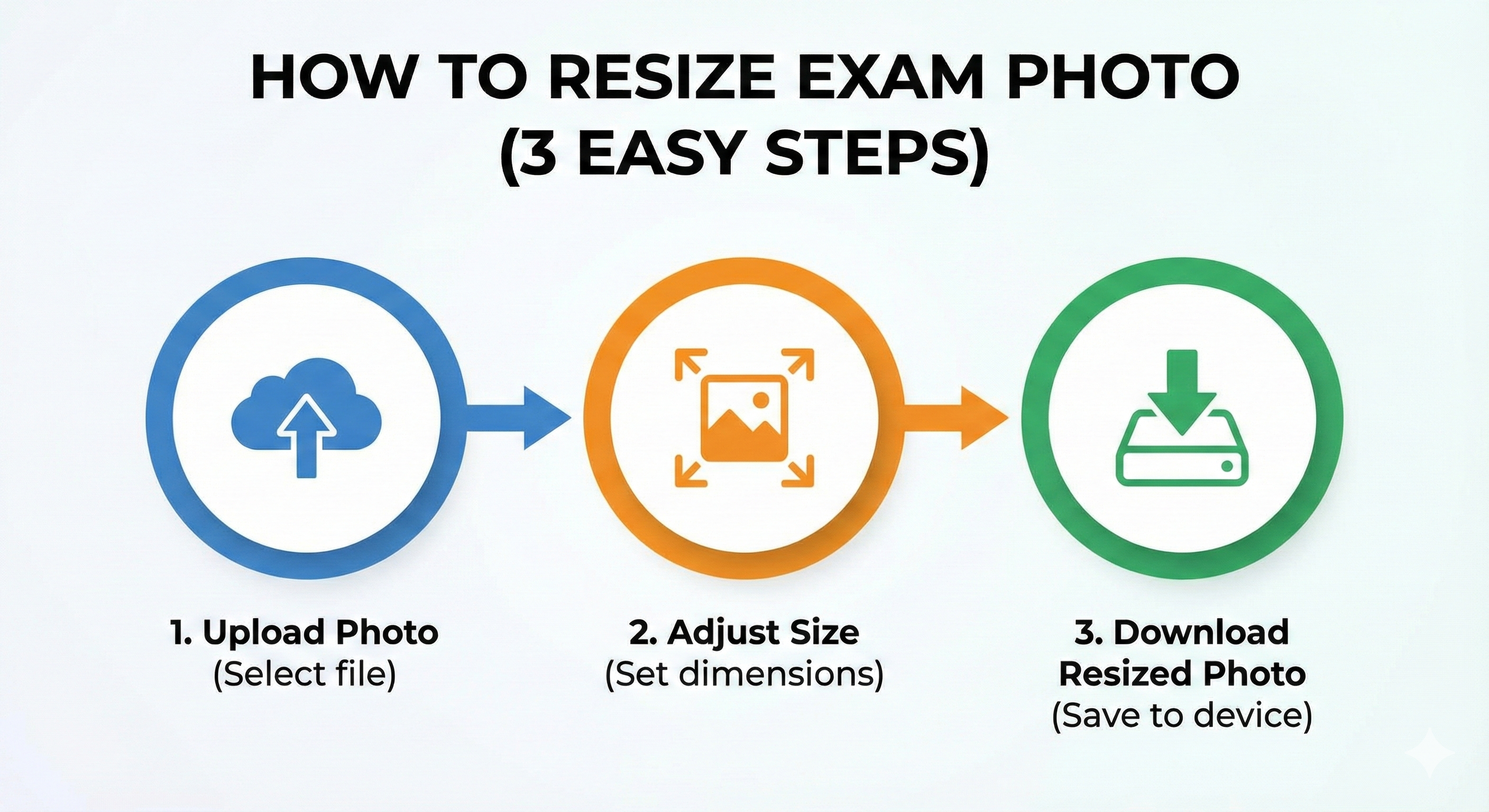
Preparing your photo for competitive exams like NEET, JEE, or Kerala PSC can be stressful if the file keeps getting rejected. Follow this simple step-by-step guide to use MyExamPhoto effectively in 2026.
- Use high-quality photos (avoid blurry selfies).
- Select the correct exam preset from our dropdown.
- Crop closely around the head and shoulders.
- Download and check file size (usually 10KB - 200KB).
🚀 Need a quick fix?
Resize your photo for any Indian exam instantly using our free tool.
Resize Photo Now →Step 1: Choose Your Exam
On the MyExamPhoto homepage, you'll see a dropdown menu labeled "Select Exam". We have pre-configured dimensions for over 50+ major Indian exams including NEET UG, JEE Main, Kerala PSC, and UPSC.
Selecting an exam automatically sets the correct:
- Width and Height (in px or cm)
- Maximum file size (e.g., 200KB)
- Required format (JPG/JPEG)
Step 2: Upload Photo
Click the upload box and select your photo file. You can also drag and drop the file. We accept JPG, PNG, and WEBP formats.
| Exam Name | Dimensions | File Size |
|---|---|---|
| NEET UG | Passport Size | 10KB - 200KB |
| Kerala PSC | 150px x 200px | Max 30KB |
| JEE Main | 3.5cm x 4.5cm | 10KB - 200KB |
Step 3: Crop Correctly
A cropper window will appear. This is the most critical step. Adjust the box to frame your face and shoulders strictly. Use the scroll wheel to zoom in or out.
Pro Tip: Ensure both ears are visible and you are looking straight at the camera. Do not tilt your head.
Step 4: Process & Download
Click 'Process Photo'. The tool will resize and compress the image instantly in your browser. Nothing is uploaded to a remote server, ensuring 100% privacy.
Check the preview and the final file size. If it looks good, click 'Download'. Your photo is now ready for upload!
Wrong File Format?
If you have a PDF you need to convert to JPG, use our file converter.
Convert Files Free →